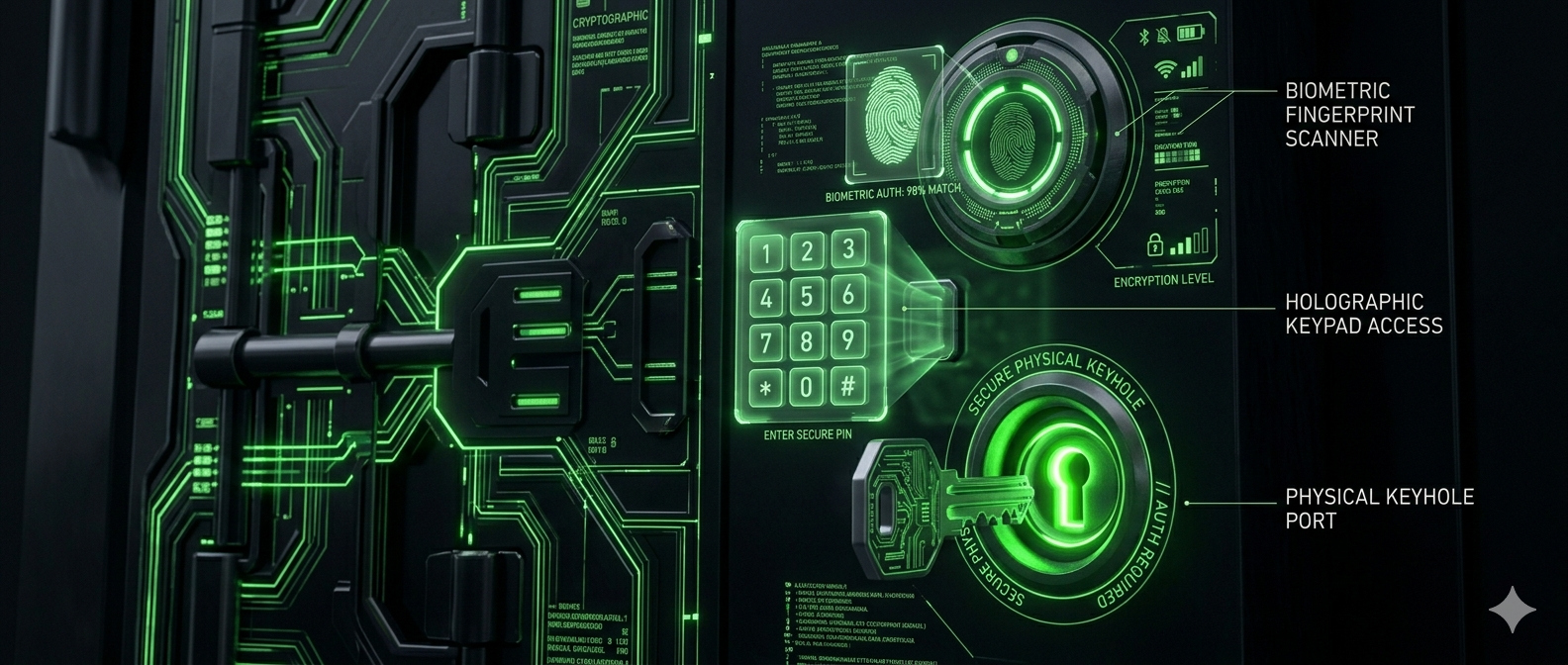
Imagine you have a safe with a very complex code. But what if someone peeks over your shoulder while you enter it? In the digital world, this happens through phishing and data leaks. MFA is the physical key you keep in your pocket that is required even if the thief knows the code.
What is MFA?
Multi-Factor Authentication (MFA) is a security system that requires more than one distinct form of identification to access an account. As defined by Wikipedia, it combines something you know (password), something you have (phone), or something you are (fingerprint).
The Three Tiers of MFA
1. SMS and Email Codes (The Basics)
This is the most common form. You receive a 6-digit code via text or mail. While convenient, it is the least secure. Hackers can use SIM swapping to intercept your messages.
- Pros: No apps to install; works on any phone.
- Cons: Vulnerable to network interception and social engineering.
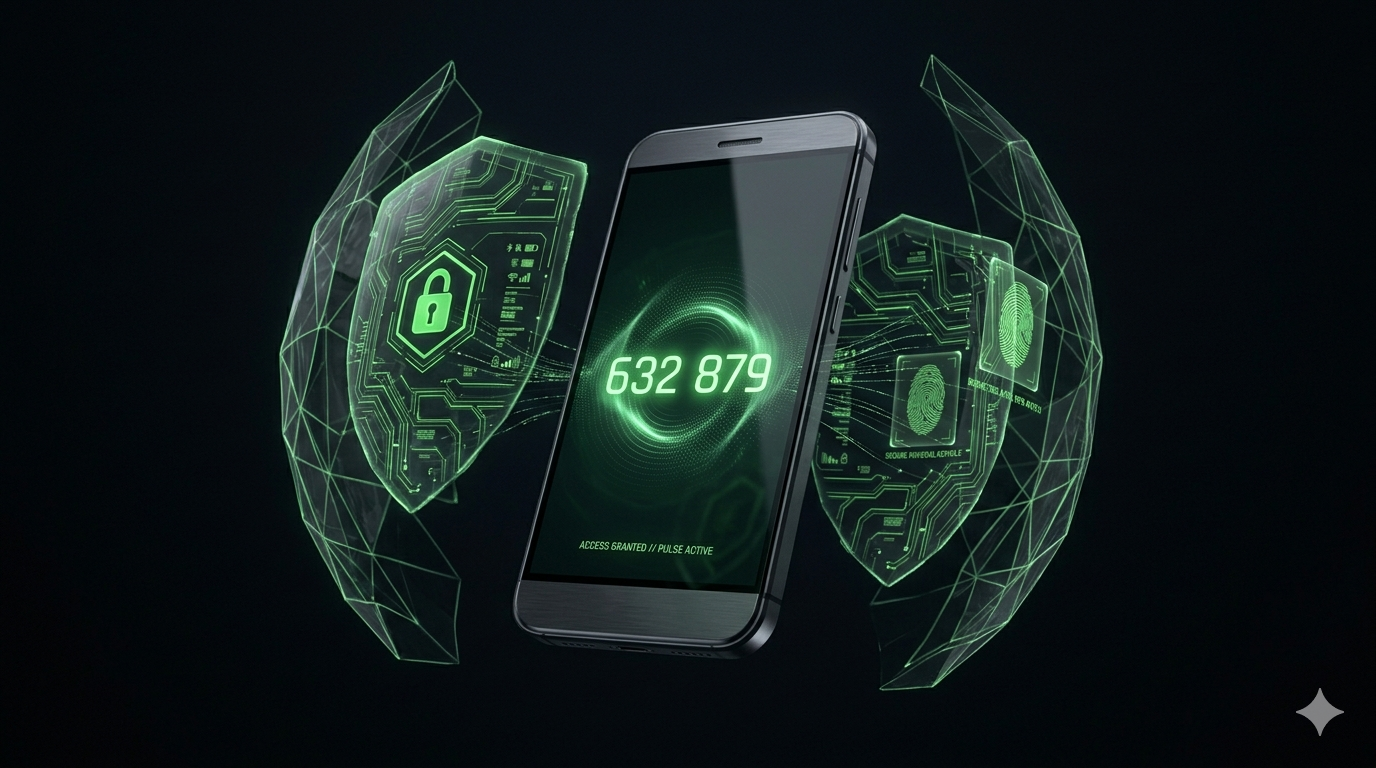
2. Authenticator Apps (TOTP)
Apps like Google Authenticator or Microsoft Authenticator generate a new code every 30 seconds. This is much safer because the code never travels over the mobile network.
- Pros: Free, works offline, much harder to intercept.
- Cons: If you lose your phone and don't have backup codes, you might lose account access.
3. Hardware Security Keys (The Professional Choice)
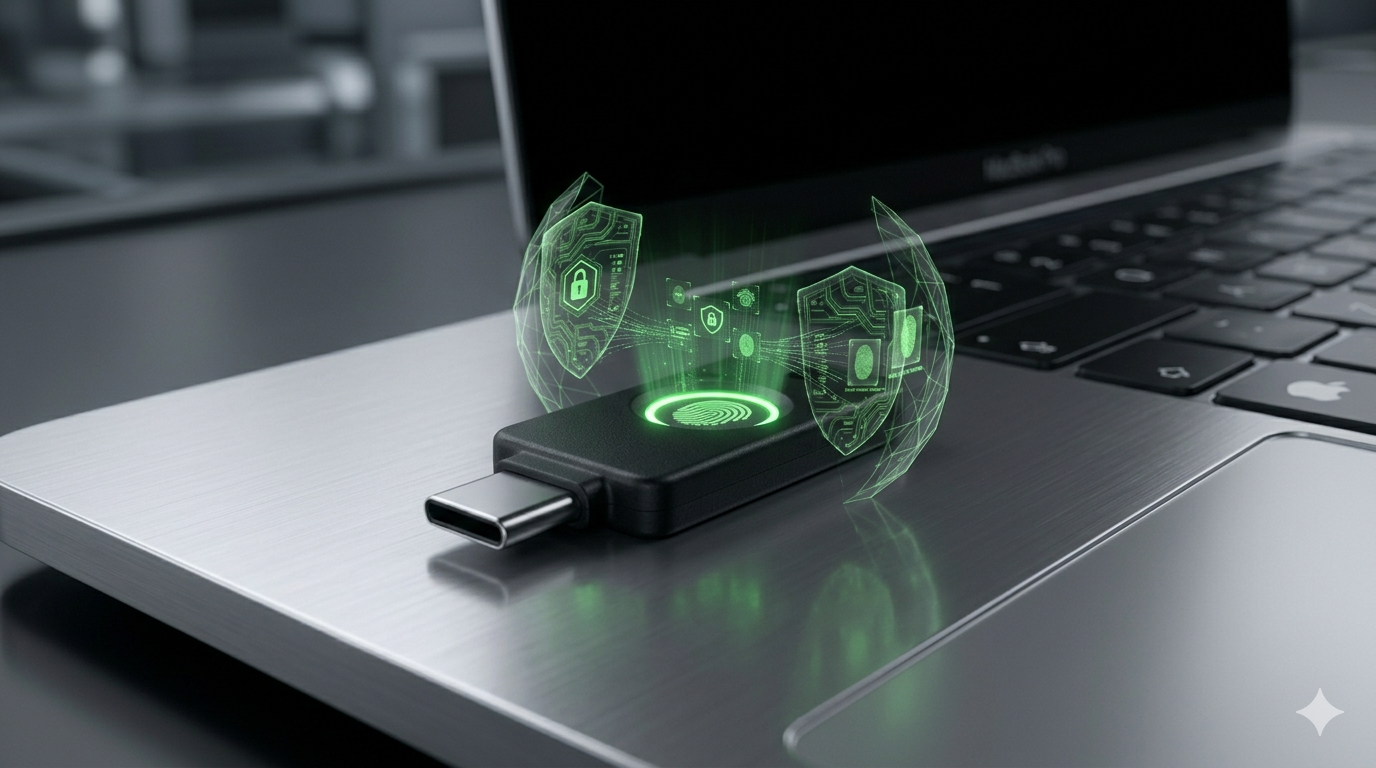
Devices like YubiKey are physical USB or NFC keys. To log in, you must physically touch the key. This is currently the most secure method in existence.
- Pros: Immune to phishing. Even if a hacker has your password and a clone of your phone, they can't log in without the physical key.
- Cons: They cost money ($25-$50) and can be lost.
MFA vs. 2FA: What's the Difference?
You might hear these terms used interchangeably. Technically, 2FA (Two-Factor) is a subset of MFA. Every 2FA is MFA, but MFA can involve three or more factors for ultra-secure systems.
Which one should you choose?
Our recommendation hierarchy:
- 1. Security Keys (Best)
- 2. Authenticator Apps (Better)
- 3. SMS/Email (Good - better than nothing)
The 'Lockout' Fear
Many beginners avoid MFA because they fear losing their phone. To prevent this, always save your Recovery Codes. These are one-time use codes that let you in if your MFA device is gone. Store them in your Ice Vault archives for ultimate peace of mind.
Conclusion
In 2026, a password is just a suggestion to a hacker. MFA is the actual command to stay out. Whether you choose a simple app or a professional hardware key, enabling MFA is the single most effective thing you can do to protect your digital life.